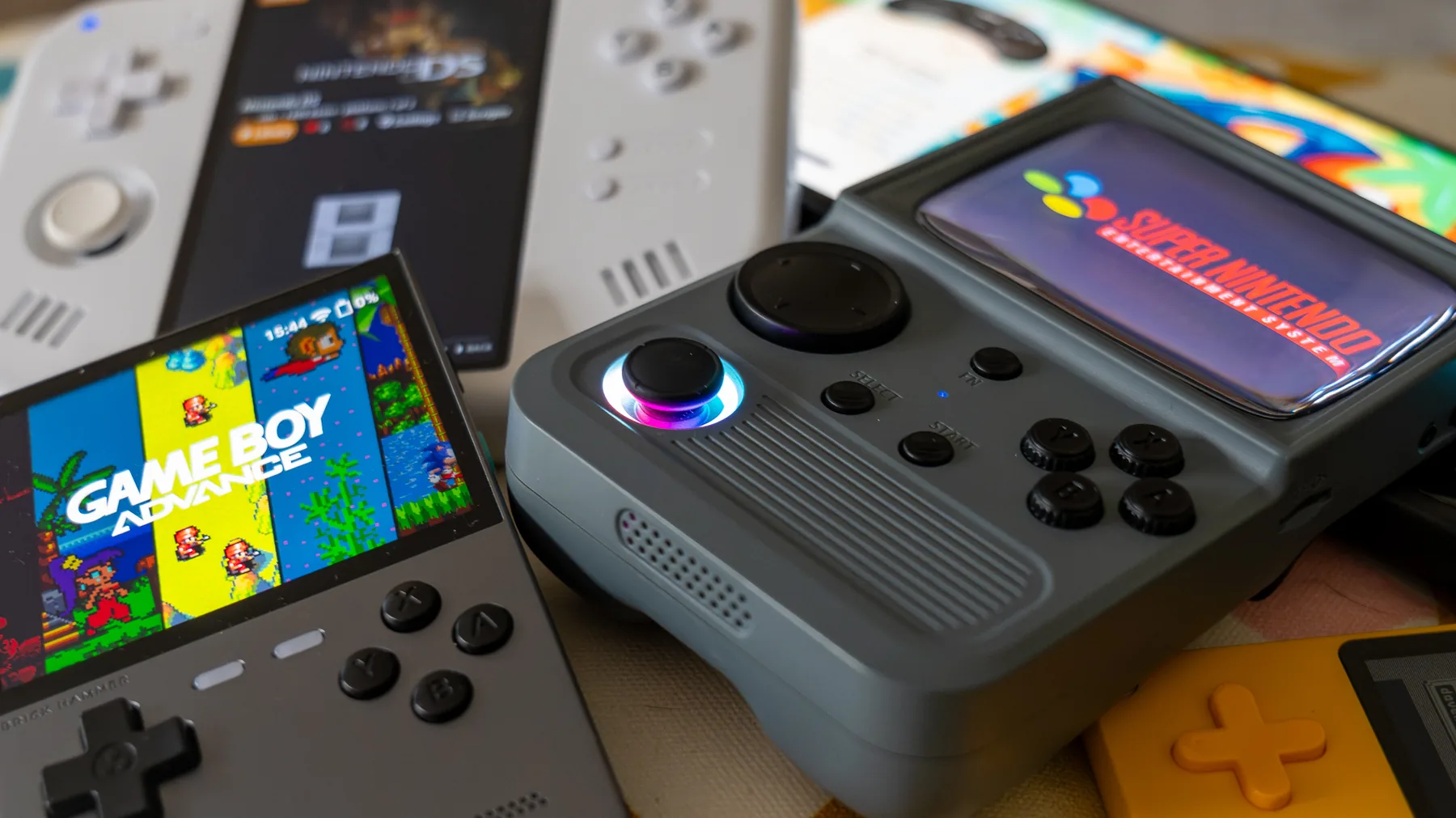
Want to take Pokémon ROM hacks, GBA favourites and classic retro games away from the browser? This is the RomHaven handheld hub: simple buying advice, setup guides, SD card help and firmware explainers for normal players who just want the thing to work.
Beginner friendlyUK buyer focusedGBA + Pokémon ROM hack ready
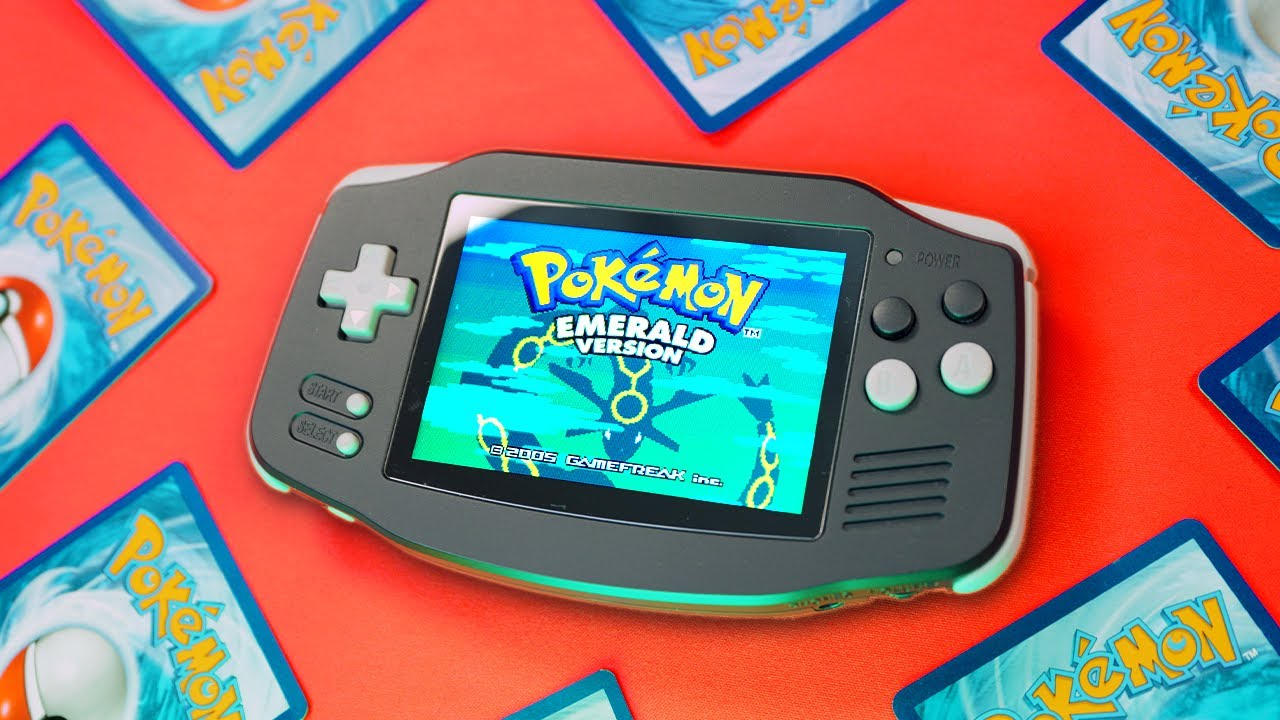
Cheap handhelds are perfect for GBA ROM hacks. You do not need a Steam Deck to play Pokémon Unbound, Radical Red, Gaia, Glazed or Emerald Rogue on the sofa, train or lunch break.
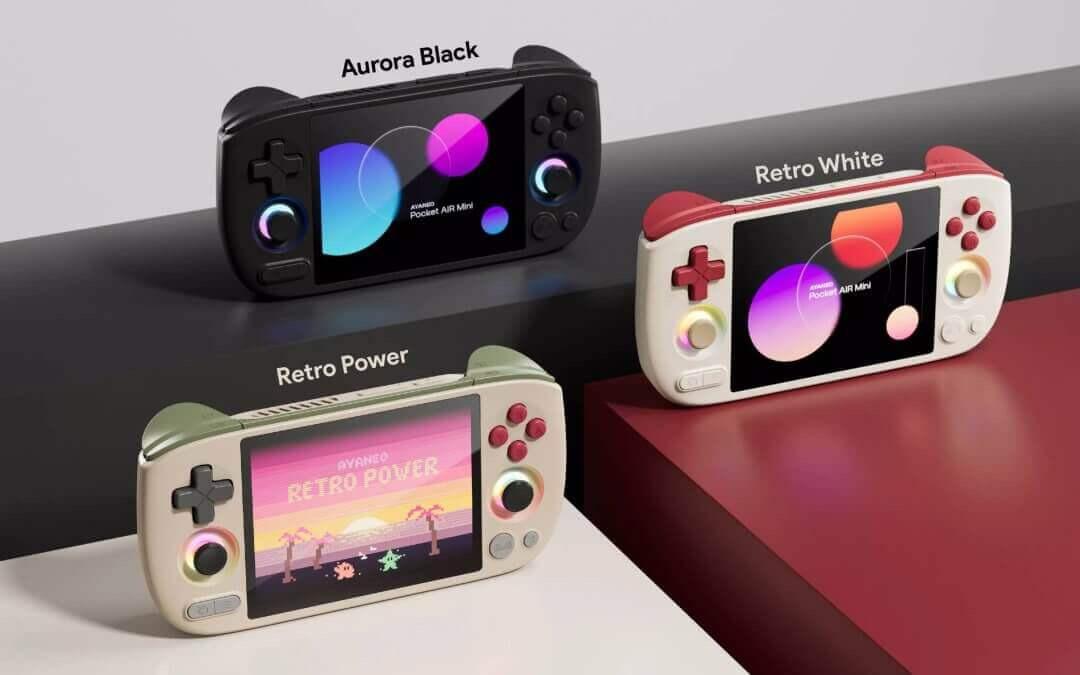
You can go deep on chipsets, firmware and screen ratios later. For most people, the choice is simple: cheap GBA box, better all-rounder, pocket device, or nicer-feeling premium budget handheld.
Best overall
Anbernic RG35XX Plus
Best all-round pick for most Pokémon ROM hack players. The official model uses a 3.5-inch 640×480 IPS screen, H700 processor, 1GB RAM, dual TF/MicroSD support, Wi-Fi/Bluetooth and HDMI output.
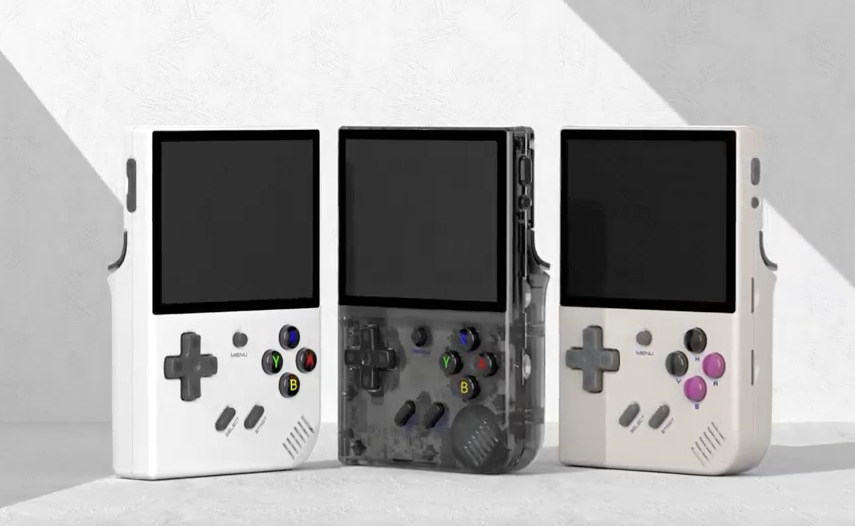
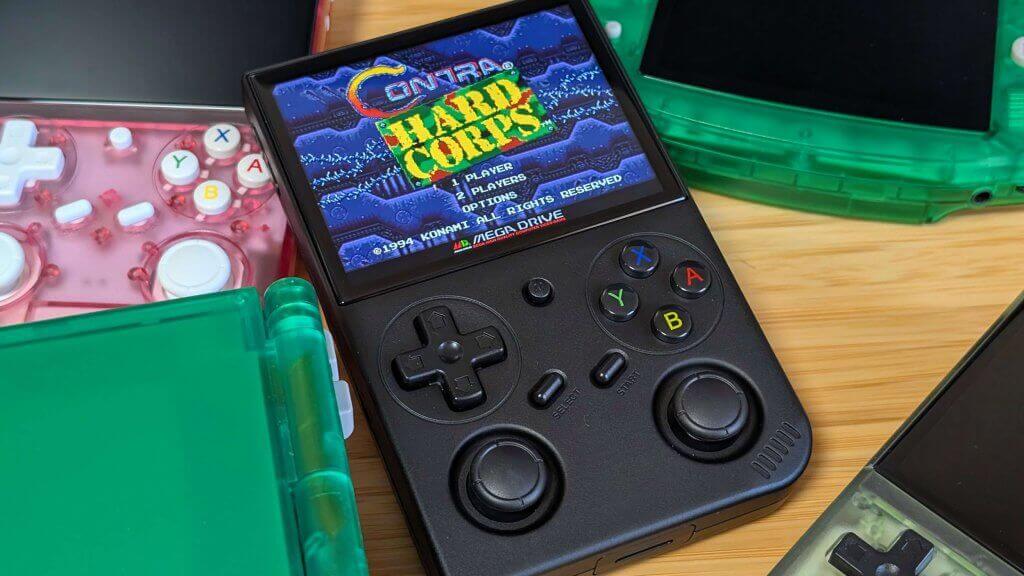
The bargain option. A 3.5-inch 640×480-style IPS handheld that is more than enough for GBA, SNES and PS1, but you should buy carefully because sellers and clone quality vary.
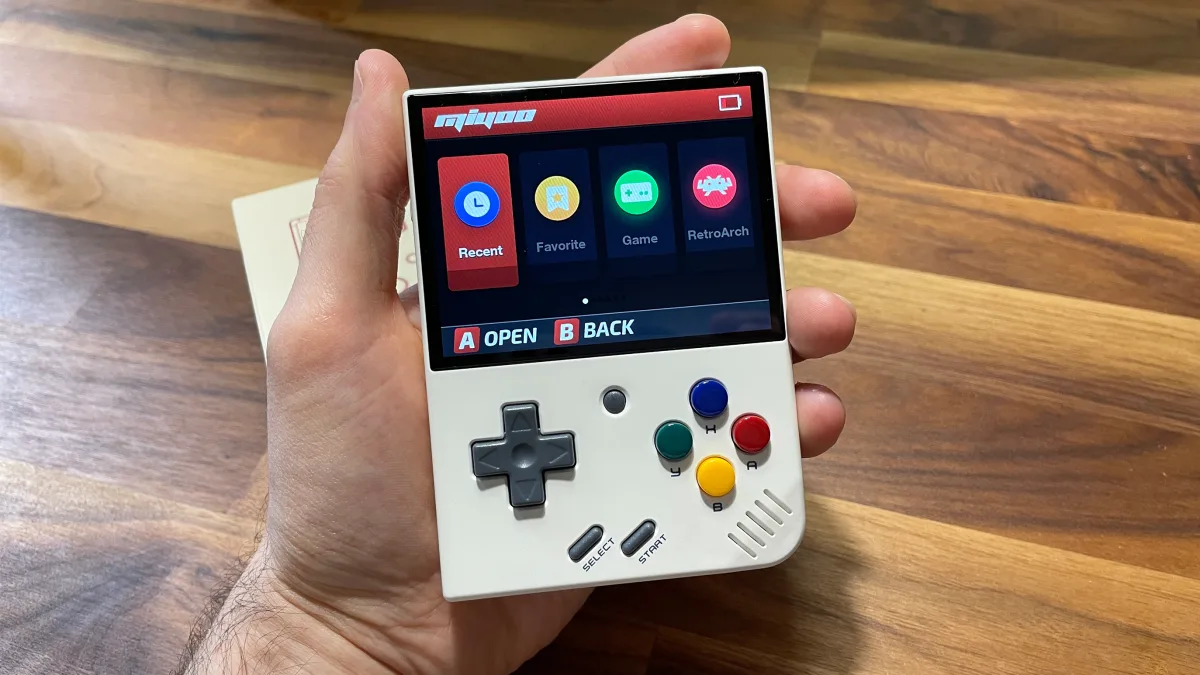
A tiny 3.5-inch 640×480 handheld with a 3000mAh battery and brilliant OnionOS support. Great for GBA and PS1, less ideal if you specifically want Nintendo DS hacks.
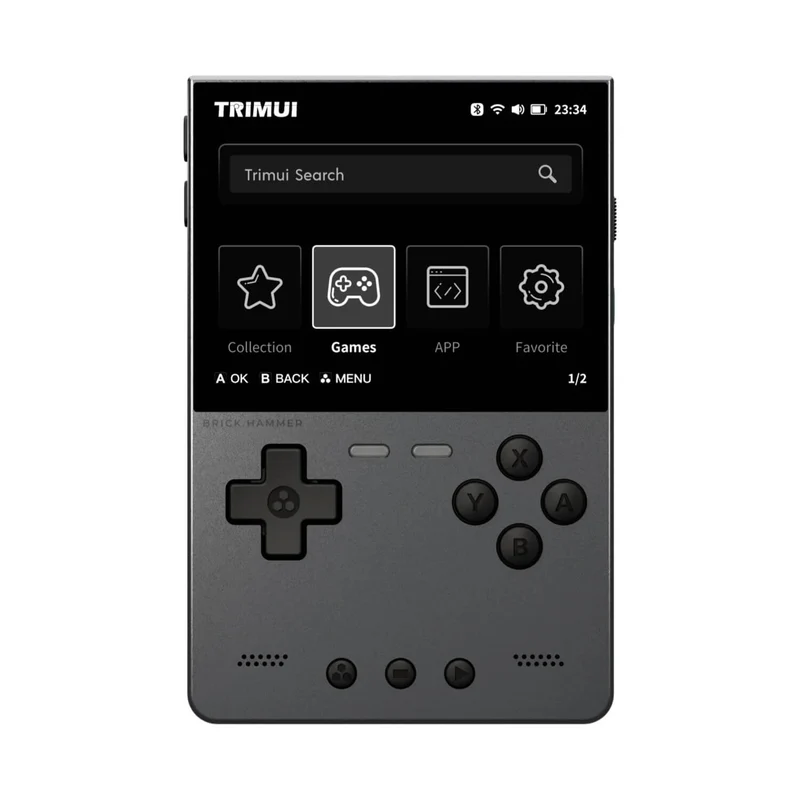
A nicer-feeling vertical handheld with a sharper 3.2-inch 1024×768 IPS-style display on common listings and a 3000mAh battery. Great if buttons, build and screen quality matter.
These are the pages for people who are close to buying. They should answer the boring but important questions: what plays GBA perfectly, what is worth paying extra for, what should you avoid, and what accessories do you need?
This is where the section becomes genuinely useful. A lot of buyers get the device, turn it on, see messy stock firmware, a dodgy SD card and a wall of emulator folders, then start Googling.
1
Replace or clone the bundled SD card
Cheap handhelds often ship with no-name cards. For long Pokémon saves, that is terrifying. Back it up immediately, then move to a branded SanDisk or Samsung card.
2
Install better firmware
OnionOS for Miyoo, muOS/KNULLI/GarlicOS-style options for Anbernic, and ArkOS-style setups for R36S are usually cleaner than stock.
3
Use the right ROM folders
GBA files normally go in a GBA folder, NDS in NDS, PS1 in PSX/PS1 depending on firmware. Good setup pages should spell this out instead of assuming users know.
4
Learn save states and in-game saves
For ROM hacks, use proper in-game saves plus save states. That gives you backup protection without risking weird emulator-only progress problems.
Most cheap retro handhelds technically work out of the box, but the best experience usually comes from replacing the software on the SD card. This hub should explain that in human language.
OnionOS
Best known for the Miyoo Mini Plus. Clean menus, strong save-state handling and a beginner-friendly feel. Great for GBA, SNES and PS1 players.
muOS / KNULLI
Popular routes for newer Anbernic XX devices. Good for turning the RG35XX Plus/H/SP family into cleaner everyday handhelds.
ArkOS / ROCKNIX
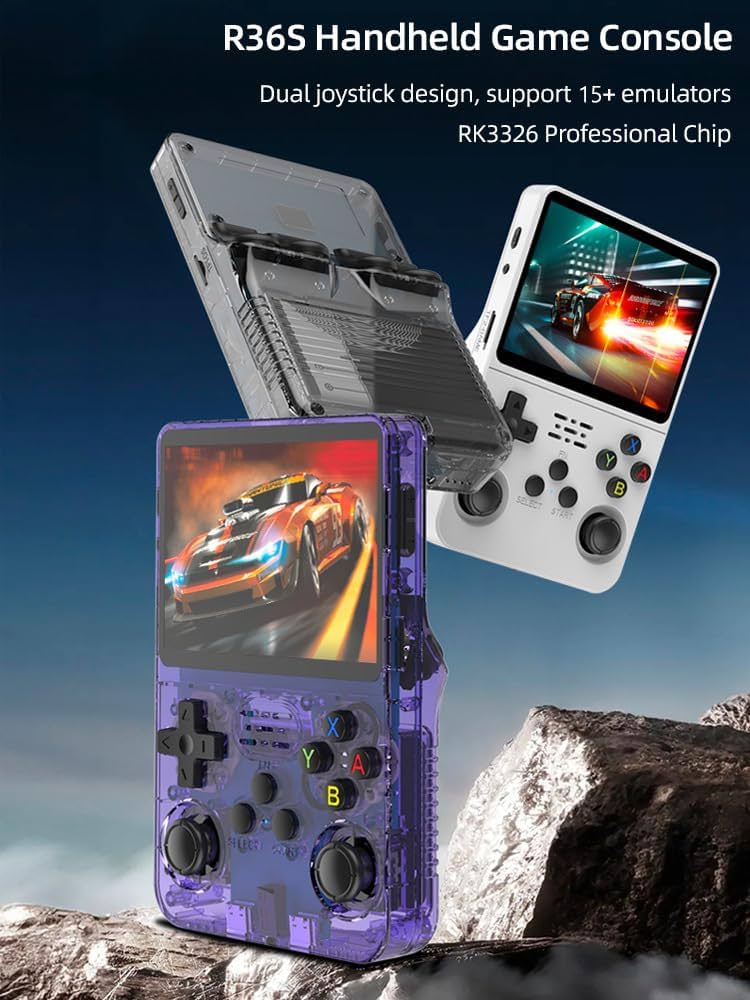
Commonly discussed around R36S-style devices and other RK3326 handhelds. Useful, but beginners must follow device-specific instructions carefully.
RetroArch
The emulator front-end sitting behind lots of these devices. It handles cores, shaders, save states, hotkeys and controller mappings.
RomHaven recommendation
Keep this section safety-first: hardware, SD cards, firmware and legal backups. Do not build pages around “20,000 games included” claims or preloaded ROM cards.
Sponsored
RomHaven Connection
Why this section belongs on RomHaven
The clever part is that you already own the audience. Someone playing a Pokémon ROM hack online is exactly the person who might want a cheap handheld for offline play.
Use it on game pages
Add a small module under Pokémon play buttons: “Want to play this on a real handheld? See the best handhelds for Pokémon ROM hacks.”
Use it on download pages
Download pages are the most natural place to recommend hardware, SD cards and setup guides because the user already wants offline play.
Use it on hubs
Pokémon, Zelda, Fire Emblem, Final Fantasy and Metroid hubs can each link to the best handheld guide for that system type.
Should this be a separate site or part of RomHaven?
Start it as part of RomHaven. The audience overlap is too good to waste. If the handheld section grows into its own traffic monster later, then you can spin it into a separate brand.
What device should most Pokémon ROM hack players buy first?
The safest general pick is the Anbernic RG35XX Plus because it handles GBA easily, has a good 3.5-inch 640×480 screen, offers Wi-Fi/Bluetooth, HDMI output and dual TF/MicroSD support, and has strong community firmware support.
Is the R36S good enough?
For GBA ROM hacks, yes. The problem is not raw performance; it is seller quality, SD card quality and clone variation. That is why the R36S page should be very clear about buying from recent well-reviewed listings.
Should RomHaven recommend preloaded ROM cards?
No. Recommend the hardware, branded SD cards and custom firmware. Keep the language around legal backups, homebrew, ROM hacks and files the player is allowed to use.