About Pokemon Gaia
Most ROM hacks are modifications. Pokemon Gaia is closer to a game. That is the distinction that has kept it at the top of recommendation lists for over a decade — it does not feel like someone edited FireRed, it feels like someone made something with it. The region is coherent. The towns have personality. The gyms are placed with purpose. The dungeons are actually dungeons.
Spherical Ice built Gaia around a simple but powerful idea: what if a fan-made Pokémon game had the same internal consistency as an official one? That means the mapping quality is high and uniform, not variable in the way most hacks are. The difficulty curve is measured. The story beats land at the right moments. Nothing feels out of place because everything was designed to belong.
The result is a game that plays the way Pokémon is supposed to play — but in a world you have never seen before, with enemies you have never faced, and with dungeons that actually make you think.
The Orbtus region
Orbtus is not Kanto with different graphics. It is a genuinely new place with its own geography, culture, and history. The region was shaped by ancient civilizations that left behind massive structures — ruins, temples, towers — which are now archaeological sites, dangerous dungeons, and the primary backdrop for the game's story. That history is not window dressing. It is the engine the whole game runs on.
Towns are distinct and memorable in the way that Lavender Town or Celadon are distinct — they feel like places that exist for reasons, not just nodes on a route map. Routes connect areas with intention. The world has a shape that makes exploration feel rewarding because the design earns every reveal.
🏛️ Why Gaia is in a different tier
The thing most ROM hacks get wrong is consistency. One area looks great, the next looks rushed. Gaia is one of the few hacks where that never happens. The quality is uniform across the entire game — which is a genuinely rare achievement in the ROM hacking scene.
Main features
🌍 Brand-new Orbtus region with its own geography and lore
🏛️ Ruins and puzzle temples with real multi-stage dungeon design
📖 Full story campaign with a proper villain faction (Team Epoch)
🧭 Postgame content with legendary encounters and extra areas
⚙️ Modernised battle mechanics — updated moves, abilities, and types
🐾 Wider Pokémon availability — build teams you actually want early
✨ Polished QoL improvements throughout — cleaner menus, better flow
🔍 Hidden items, secret rooms, and exploration that consistently pays off
Story & Team Epoch
Gaia's story starts in familiar territory — you are a young trainer setting out across a new region, collecting badges and building your team. But Orbtus has something most Pokémon regions do not: a past that refuses to stay buried. The ancient structures scattered across the land are not just atmosphere. They are active sites of conflict, and the organization driving that conflict is Team Epoch.
Team Epoch is not after money or world domination in the standard Pokémon villain sense. They are relic hunters and power-seekers obsessed with awakening and controlling the ancient forces tied to Orbtus' ruins. Their goals are tied directly to the lore of the region — they want what the old civilizations left behind, and they are willing to tear the region apart to get it. That connection between villain and setting is part of what makes Gaia's story feel cohesive in a way that many ROM hacks are not.
The campaign builds toward a confrontation with ancient power that feels earned. The story drops in at the right moments — not constantly interrupting you, but providing enough narrative momentum to make the journey feel meaningful rather than mechanical. You feel like an adventurer uncovering something real, not just a trainer following a gym circuit.
📖 A villain that fits the world
Team Epoch works because they are inseparable from Orbtus itself. Their objectives are the ruins. Their methods involve the temples you explore. The story and the gameplay inform each other in a way that most ROM hacks — and even some official Pokémon games — fail to achieve.
Ruins, Temples & Puzzle Dungeons
Gaia's dungeon design is the feature most often cited by players who have completed dozens of ROM hacks. In most FireRed-based hacks, dungeons are essentially cave mazes — linear paths with random encounters and the occasional dead end. Gaia treats dungeons as actual designed spaces. They have layouts that reward exploration. They have puzzle mechanics that require attention. They have hidden areas that pay off curiosity.
The closest analogy is the classic Zelda dungeon — a contained space with internal logic, where understanding the layout is part of the challenge and working through it delivers real satisfaction. That is a high bar to reach in a Pokémon ROM hack, and Gaia consistently clears it.
How the dungeons work
🏛️ Multi-stage ruins
Major dungeons are layered structures with multiple floors, interconnected shortcuts, and areas that only open up once you have solved earlier sections. They have the architecture of real locations, not linear corridors.
🧩 Puzzle mechanics
Switch puzzles, strength boulder arrangements, and light-based mechanics give each dungeon its own identity. The puzzles are not arbitrary — they are integrated into the dungeon's structure and theme.
🗺️ Hidden rooms
Secret areas reward players who explore thoroughly rather than rushing through. These are not trivial bonuses — hidden rooms often contain TMs, rare items, or lore that enriches the story.
🔍 Exploration payoff
Every detour has a reason to exist. Gaia's design philosophy is that curiosity should always be rewarded — if there is a path that looks optional, following it will give you something worth having.
Modern Mechanics & Quality of Life
FireRed is a 2004 game. Gaia was designed to feel like it was made later — not by abandoning what FireRed does well, but by layering in the mechanical improvements that later generations of Pokémon introduced. The result is a game that has the pacing and feel of classic FireRed but plays with the fluency of a more modern title.
Battle system updates
Moves and abilities from generations beyond FireRed's originals have been implemented, giving the battle system far more depth than vanilla. Type matchups have been updated to include the Fairy type. Physical and special moves are split correctly — which alone makes a significant difference to how many Pokémon feel to use. The battle flow is tighter and more satisfying than anything FireRed achieves on its own.
Pokémon availability
One of the most common frustrations with FireRed ROM hacks is restricted Pokémon availability — you end up using the same few species because everything interesting is locked until late in the game. Gaia addresses this directly. A wide range of Pokémon from multiple generations are available throughout the campaign, giving you the flexibility to build the team you actually want rather than the team the game defaults you into.
Quality of life improvements
The QoL changes in Gaia are the kind that you notice most when they are absent. Smoother menus. Improved move descriptions. Running shoes from the start. No-trade evolutions handled correctly. TM reuse. These are small individually but collectively they make the experience dramatically more pleasant to sit with for a full campaign playthrough. Returning to vanilla FireRed after Gaia is noticeably rougher.
⚙️ The feel of a later-gen game, the heart of a classic
Gaia never feels like a technical showcase — the improvements are in service of the experience, not the other way around. The mechanical upgrades make you feel more capable and in control, which makes the dungeon challenges and boss fights feel fair and satisfying rather than frustrating.
Who should play Pokemon Gaia
- Players who want a brand-new region with real geography, history, and lore — not a reskin of a familiar map.
- Anyone who has played the official games and wants the same quality of adventure in a completely fresh setting.
- Players who enjoy dungeon exploration and puzzle mechanics as part of their Pokémon experience.
- Story-focused players who want a villain faction that actually connects to the world they are exploring.
- First-time ROM hack players looking for a recommended starting point — Gaia is consistently cited as one of the best entry points into the hack scene.
- Anyone who wants a complete, polished experience that can be played from start to finish without running into unfinished content or game-breaking bugs.
Tips for new players
- Explore every dungeon thoroughly before moving on. Gaia rewards players who do not rush. Optional rooms contain TMs, rare items, and hidden Pokémon that can significantly improve your team and the rest of your run.
- Carry a balanced utility movepool. The puzzle dungeons require more than raw power. Having access to HM moves and utility options on your team makes the dungeon sections smoother and less likely to stop you dead.
- Do not hoard your items. Gaia's pacing is designed with the assumption that you use your resources. Boss fights are balanced around the idea that you have potions and held items available — saving them for "later" often means making earlier fights harder than they need to be.
- Build a type-diverse team early. Boss fights in Gaia punish teams that lean too heavily on one type or playstyle. The wider Pokémon availability in the game means there is no excuse not to build something balanced.
- Talk to NPCs in ruins areas. Lore-focused NPCs in dungeon zones often hint at puzzle solutions and hidden room locations. Gaia rewards paying attention to the world.
After Gaia: If you love Gaia's adventure feel and "official game" quality, try
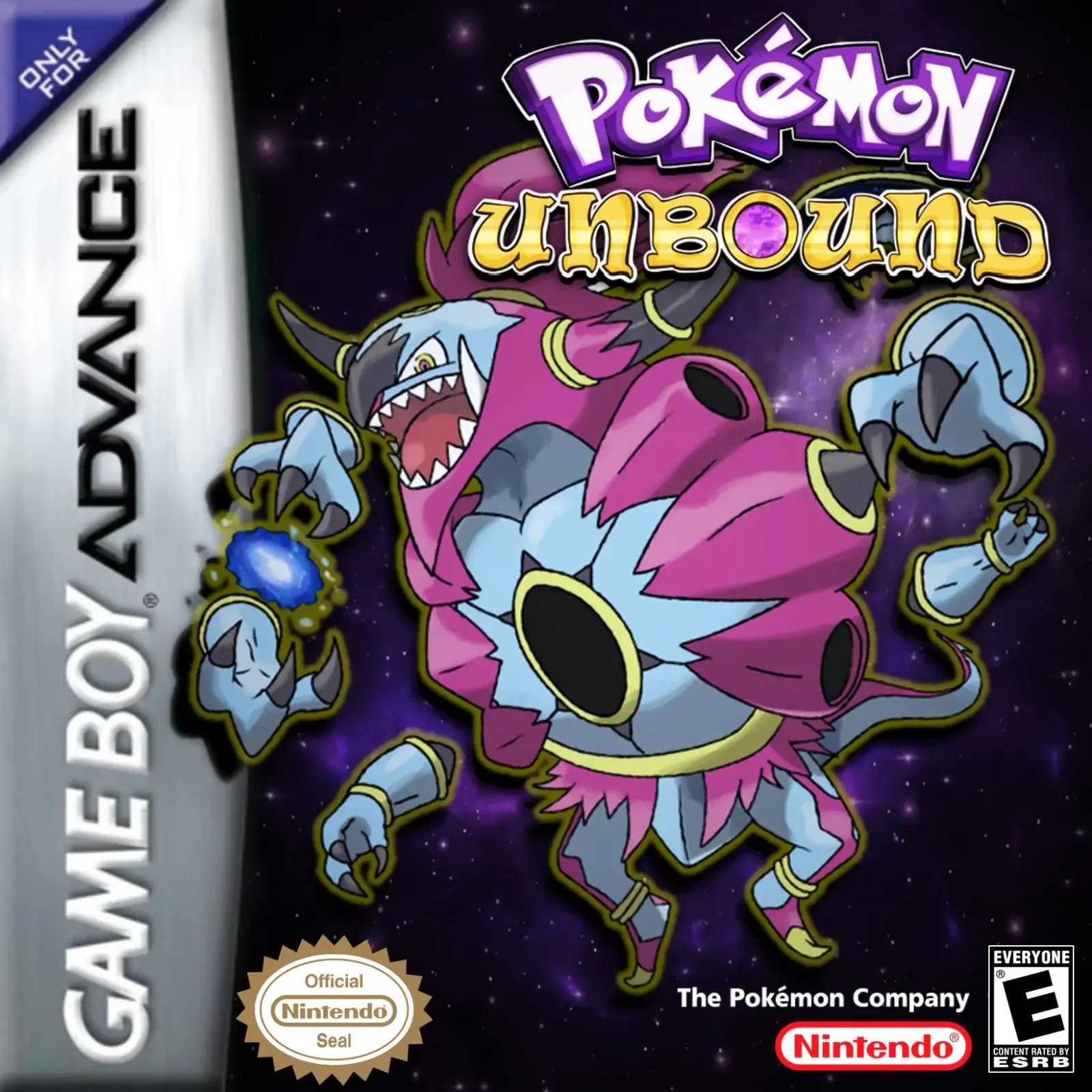
Pokemon Unbound for a larger-scale modern hack, or
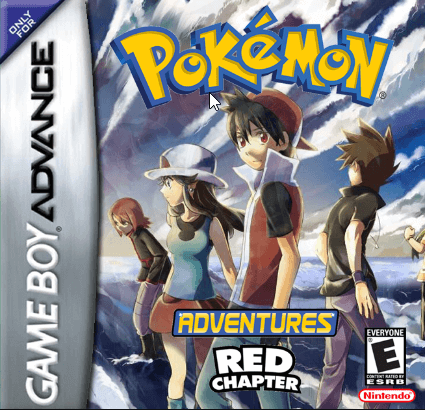
Adventures Red Chapter for an even more story-driven experience.
Frequently asked questions
Is Pokemon Gaia complete?
Yes. Pokemon Gaia is a fully complete ROM hack with a main story, postgame content, and no known game-breaking issues. It is consistently recommended as one of the most polished and complete FireRed hacks ever released.
What makes Pokemon Gaia different from other FireRed ROM hacks?
Dungeon design and consistency. Gaia's ruins and temples have real puzzle mechanics and layered layouts that make them feel like designed spaces rather than corridor mazes. That dungeon quality, combined with the uniform polish across the entire game, is what separates Gaia from most FireRed hacks.
Who made Pokemon Gaia?
Gaia was created by Spherical Ice, a respected figure in the ROM hacking community. The hack is regularly cited as a benchmark for quality in fan-made Pokémon games.
Is Pokemon Gaia good for beginners?
Yes. Gaia has a fair, well-paced difficulty curve that is accessible for players new to ROM hacks. Some dungeon sections require more attention than vanilla FireRed, but nothing is designed to be cruel. It is one of the most recommended first ROM hacks for players stepping beyond the official games.
Can I play Pokemon Gaia on mobile?
Yes. RomHaven's browser emulator works on both mobile and desktop without any downloads or additional software required.
If you liked this, try these
More polished new-region adventures, story-driven hacks, and "official quality" ROM hacks worth exploring after Gaia.